for vehicles, consumer electronics, retail shops, homes and offices.
for vehicles, consumer electronics, retail shops, homes and offices.

Development and manufacturing of connectivity products according to customer specifications
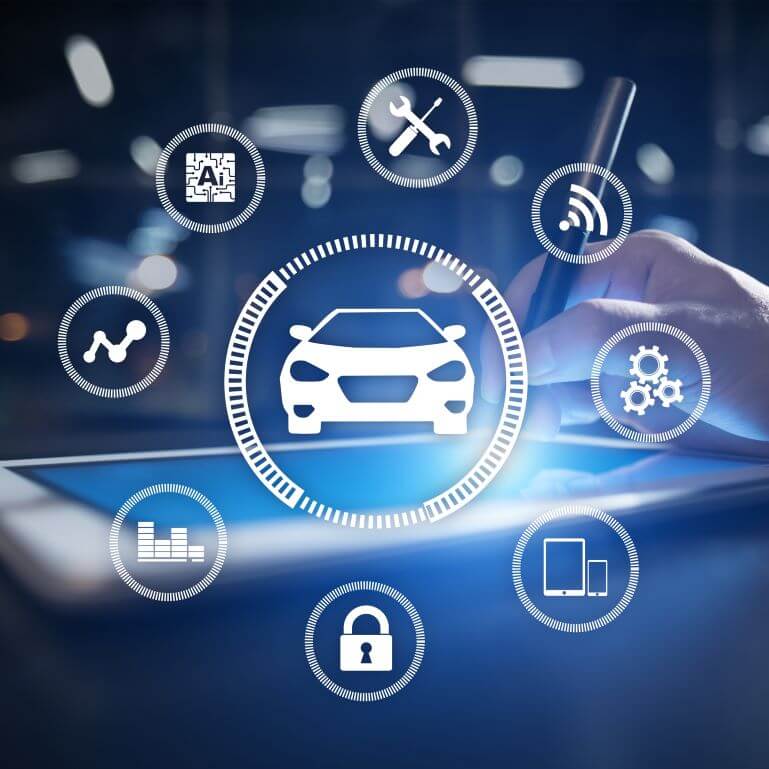
Car and e-bike connectivity modules for fleet management and remote surveillance
Whether it is a car or an e-bike, our connected vehicle modules facilitate position tracking, theft detection, gathering usage statistics and diagnostics data for predictive maintenance, driver scoring and green driving.
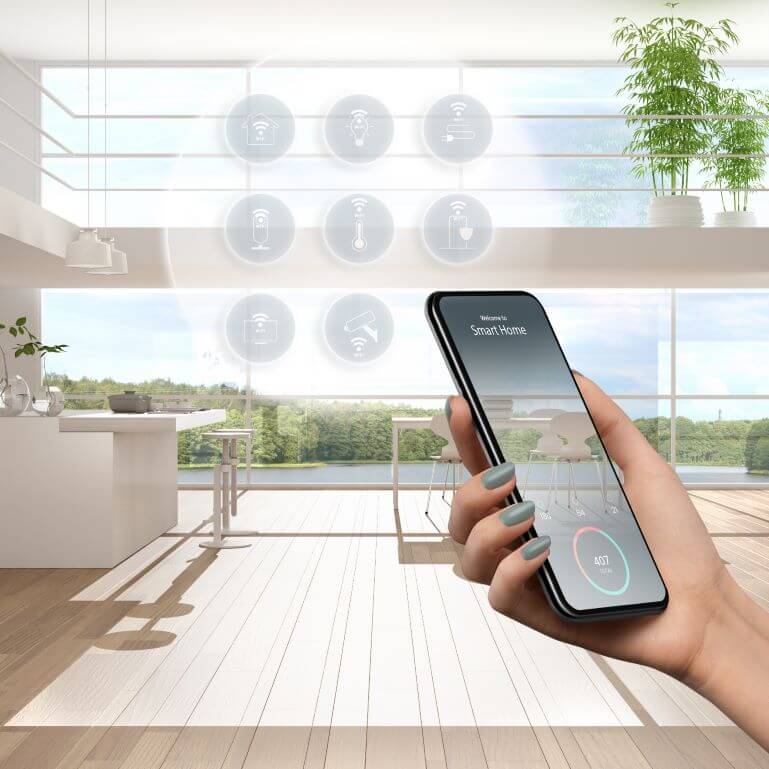
Wireless control capability upgrade for legacy devices and appliances
Our custom developed connectivity products help smartifying the existing devices and appliances of our B2B customers to enhance the user experience and extend the lifecycle.

Audio and video players with remote management for background content and advertisement
Audio and video player devices for retail stores, restaurants, pubs, hotels or any venue to have background music, ambient video, announcement, advertisement.
Remote management from our Sherpa device and content management system.
Remote management from our Sherpa device and content management system.

Play iPod or USB music through your original car radio, using the controls and displays of your vehicle.
Keep the car’s original head unit intact but also extend its functionalities by adding wireless connection, USB support, DAB radio receiving, and many others. .
Our aftermarket solutions are available in more than 60 countries through our distributor network.
Our aftermarket solutions are available in more than 60 countries through our distributor network.
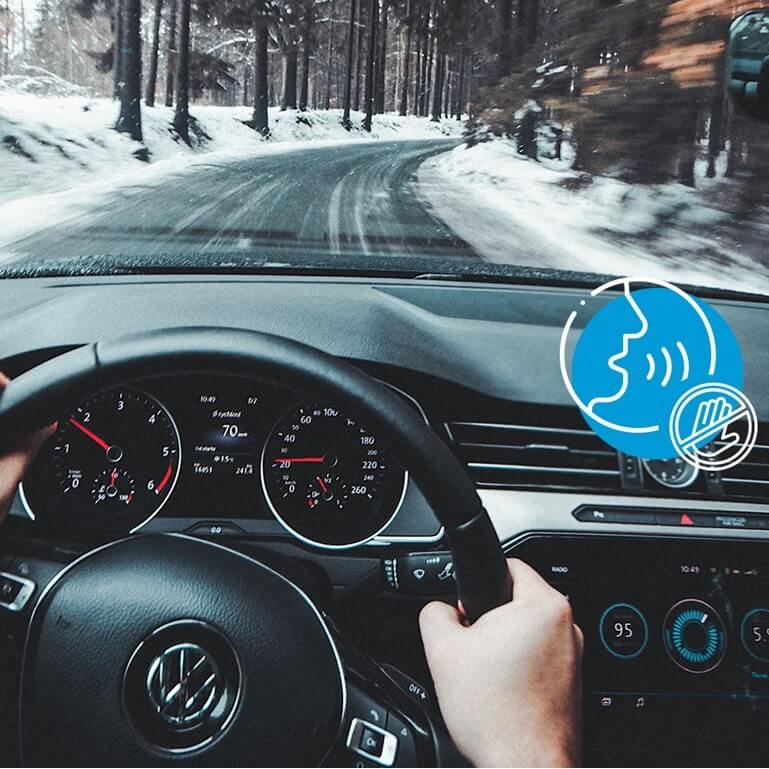
Bluetooth handsfree solutions with wireless music streaming and other type of media connections.
Keep the car’s original head unit intact but also extend its functionalities by adding wireless connection to mobile phones for handsfee and media streaming.
Our aftermarket solutions are available in more than 60 countries through our distributor network.
Our aftermarket solutions are available in more than 60 countries through our distributor network.
1 000 000+
Sold units
200+
Products
100+
Countries
20+
Years of experience
ISO 9001
Certified since 2005

Short time to market

Flexibility

Up-to-date technical knowledge
High mix / Low volume production

Made in EU

Competitive prices