



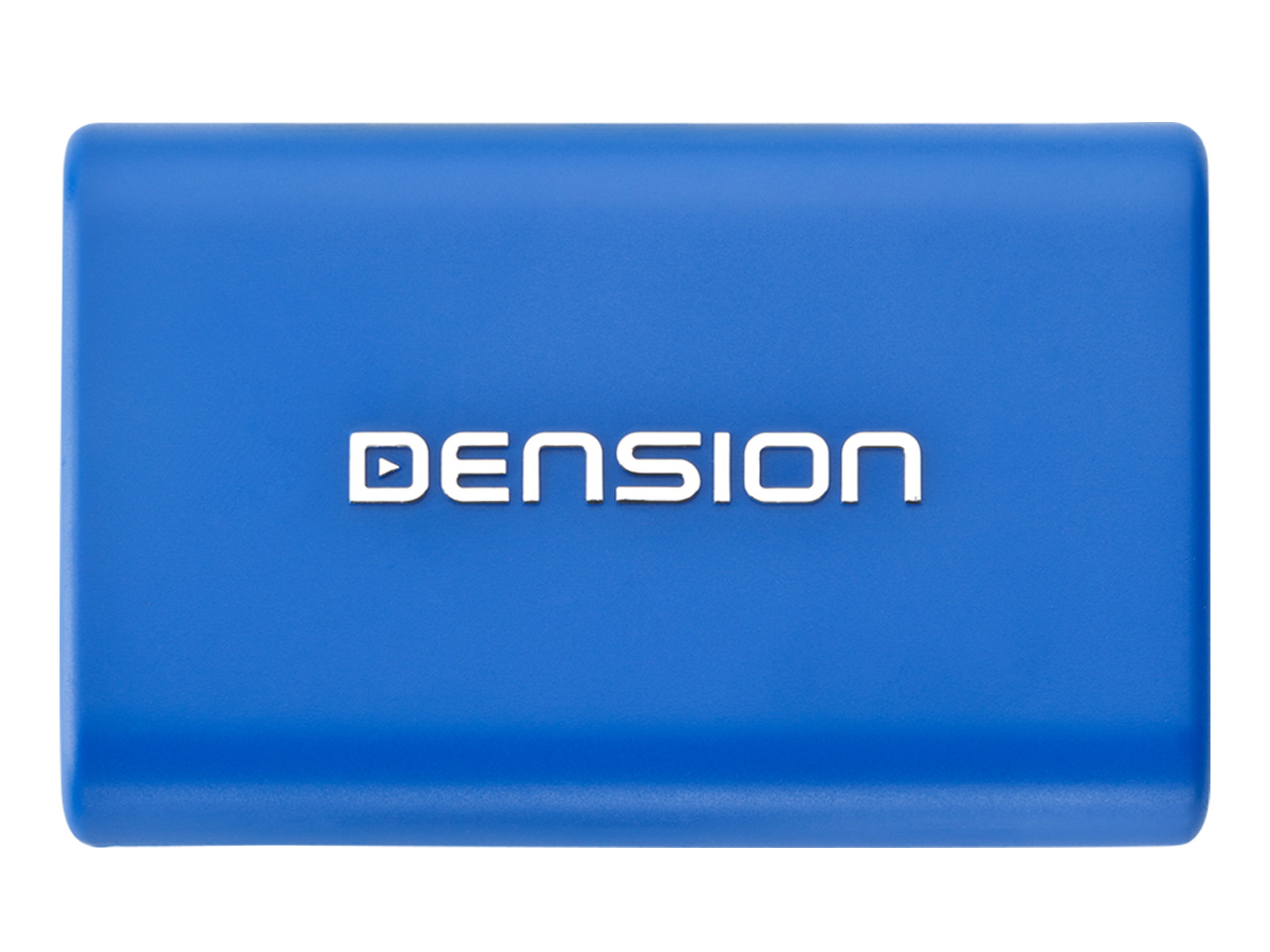
Gateway Lite BT (GBL2xxx)

Overview

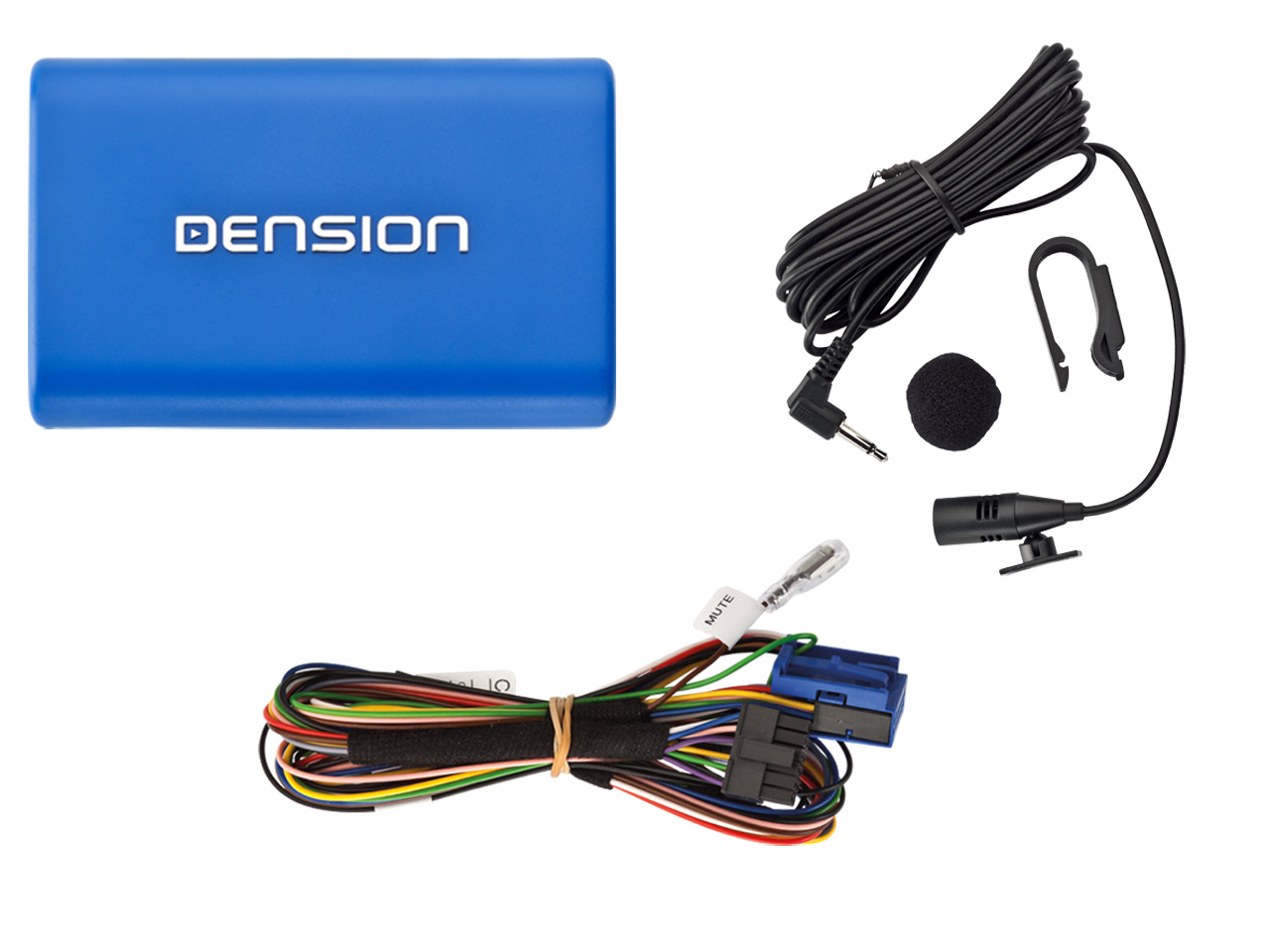
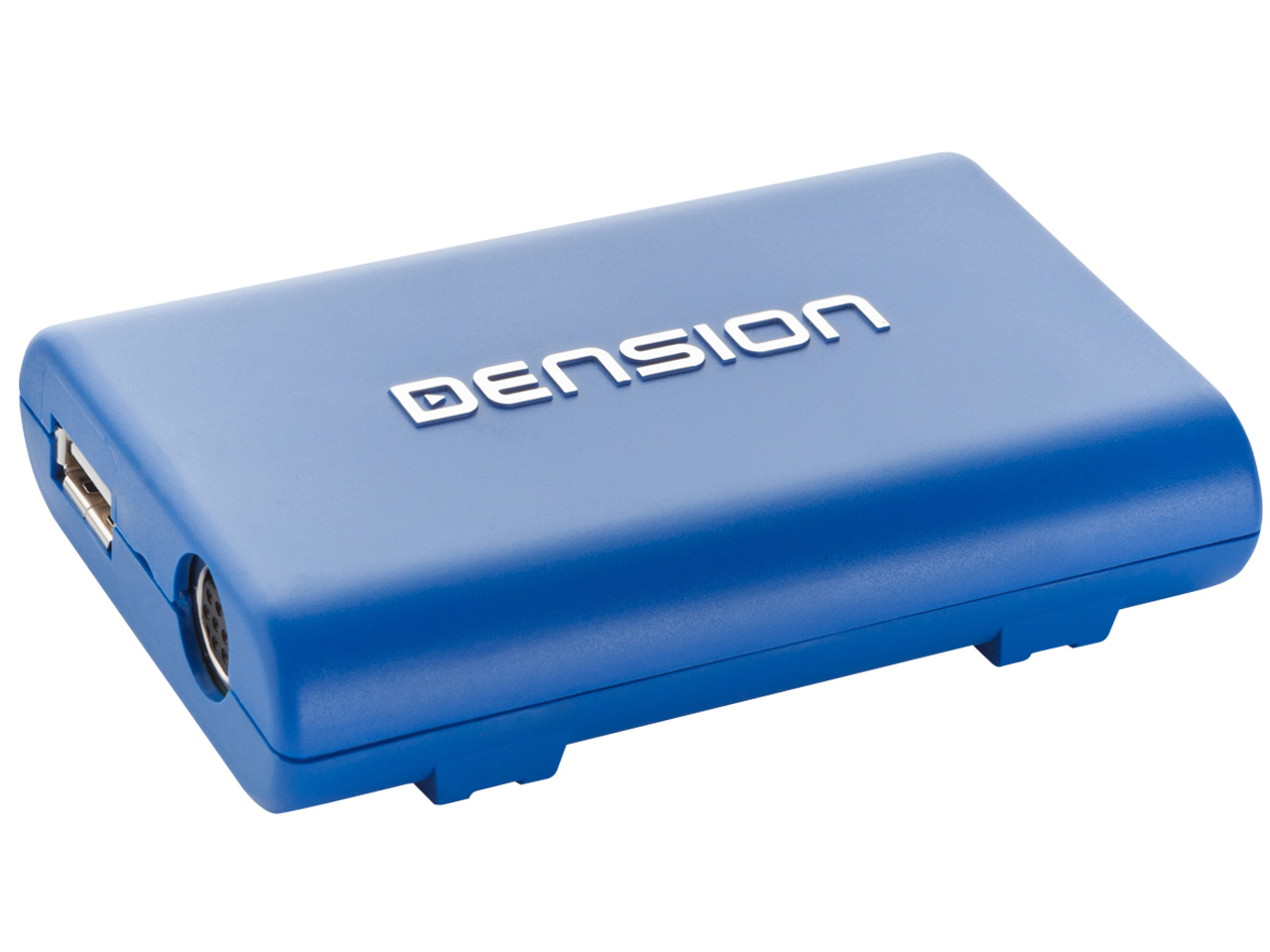
The Gateway Lite BT is a basic car multimedia interface from Dension allowing music playback from wide range of digital data sources.

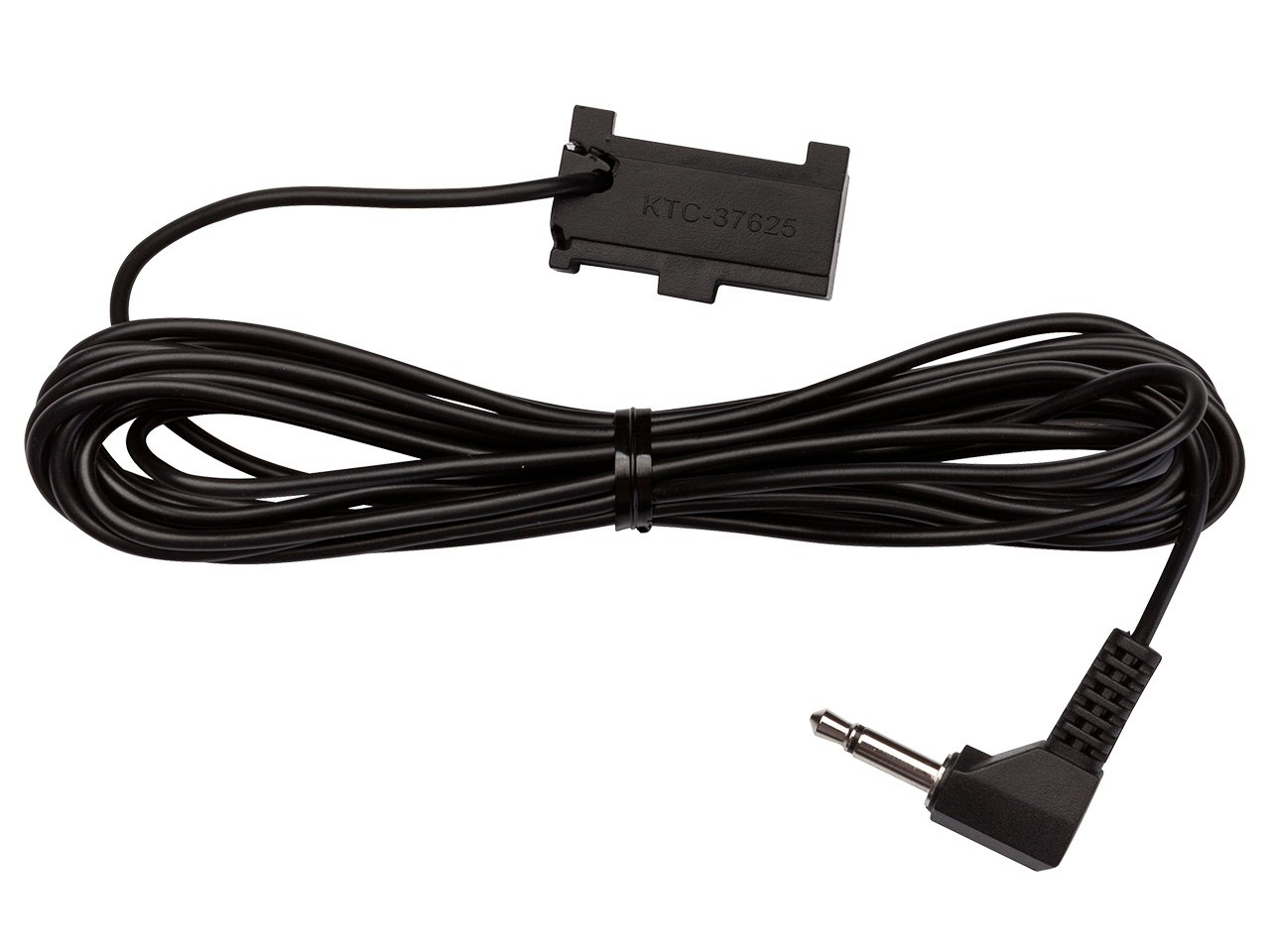
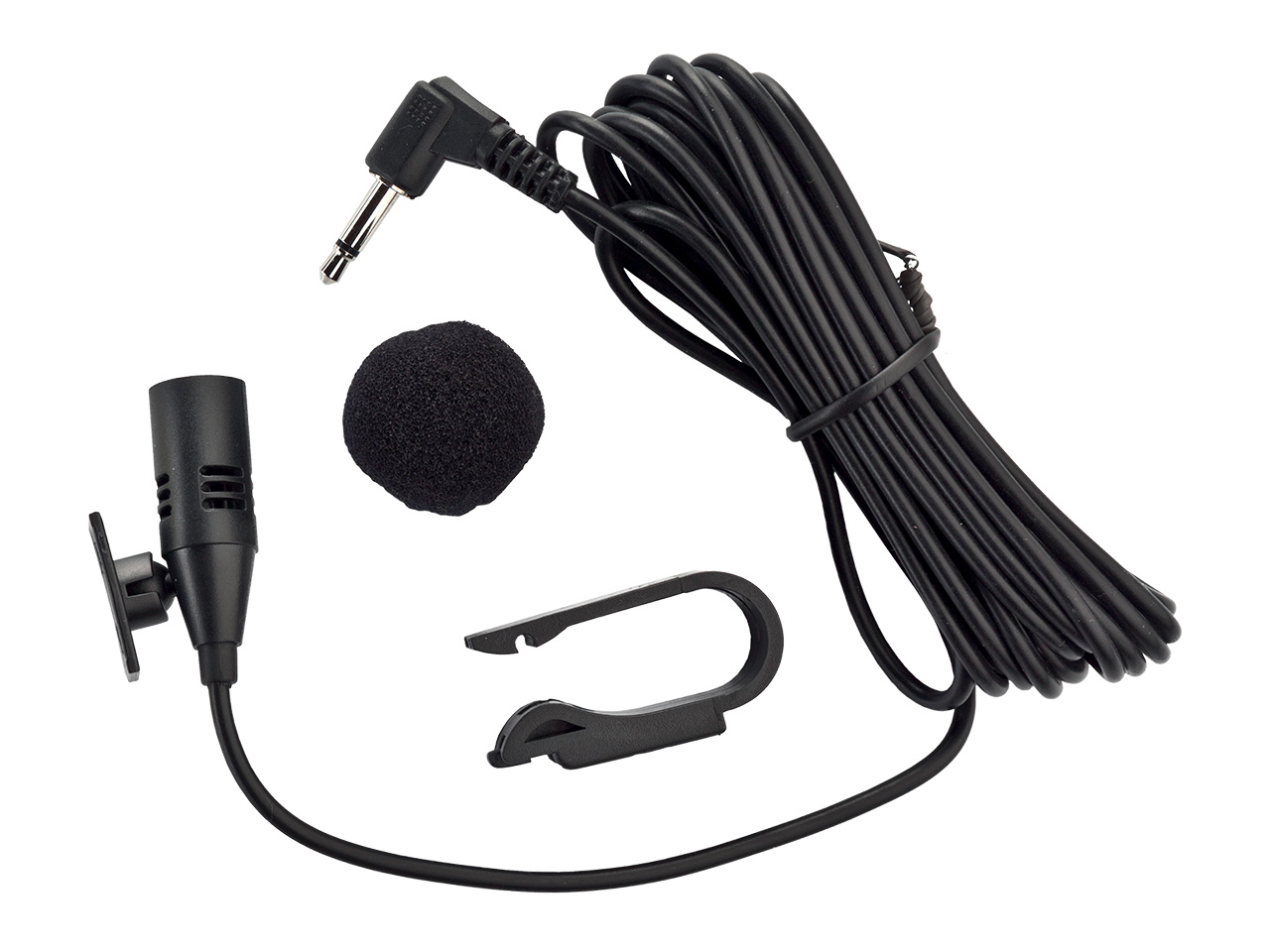
Dension Gateway Lite BT is not only an interface but a car multimedia adapter offering full device control using the car radio buttons as well as device charging and handsfree calls on board. It ensures Bluetooth connection between your mobile phone and the car radio so you can make hands free calls through the car speakers.

Gateway Lite BT is a fully integrated, invisible solution that allows you to use your iPod, iPhone, Smartphone, USB and AUX devices in the car without changing the car interior.

Features and highlights:

  • Bluetooth handsfree (with Gateway Lite BT)
  • Music playback from portable audio devices (through USB or optional AUX-in)
  • iPod, iPhone car integration
  • Smartphone, Aux and USB device connectivity
  • Full device control with the original car radio buttons
  • 1A iPod and iPhone charging by default
  • 3.5 mm Aux-in jack (optional)
  • Aux cable accessory broadens the device compatibility so any multimedia player can be connected to the system
  • User friendly HMI ensuring high-class user experience

How it works

Control at your fingertips
When connected to the car Gateway Lite emulates a CD changer or an Aux input. The radio detects the music signal from iPod, iPhone or USB and plays it back through the car speakers.
Device control is made by the radio buttons and the steering wheel controls. Once you’ve selected the album you can select the track by using the FFWD button on your radio or steering wheel.
Every Gateway Lite comes with a comprehensive user manual but for quick start up just select the CD changer function; plug-in your iPod, iPhone or USB into the dock cable or cradle and enjoy the music provided by Dension Gateway Lite.

For detailed user manual please check downloadable documents below.

Installation

Simple, seamless integration
Car electronic systems can be complex networks so Dension always recommends that you have your installation carried out by a qualified installer. To find a selection of suppliers and installers in your country/area, please click here.

The installation might vary slightly with different car models, but in each case, you will have either a cradle, or a dock cable to connect your iPod or iPhone to. USB and Aux devices are usually hidden in the glovebox but your installer will ask and advise as to the best place to situate your device in the car.

The Gateway itself is less than the size of a CD case and will be installed securely out of sight behind the dash. Dension products are all designed so that there is no need to cut cables.

For detailed user manual please check downloadable documents below.

Compatibility

Supported Audio devices

  • USB: Flash Memory and Hard Disk Drive (UBS1.1 and higher)
  • File System: FAT16 or FAT32
  • Storage capacity: up to 250GB music content
  • Music Format: MP3, WMA and WAV, OGG
  • iPod Classic, iPod (4thgeneration), iPod nano(1st, 2nd, 3rd, 4th, 5thand 6thgeneration), iPod mini
  • iPod Photo 4G, iPod Video 5G
  • iPod Touch (1st, 2ndand 3rdgeneration)
  • iPhone, iPhone3G / 3Gs & iPhone4G

Downloads

Firmware
application/pdf iconGateway Lite and Gateway Lite BT Firmware 1.11

Compatible with Gateway Lite (HW:V7Rx) and Gateway Lite BT (GBL2xxx)

Install guide
application/pdf iconGateway Lite BT install guide
User guide
application/pdf iconGateway Lite BT user manual

Videos