



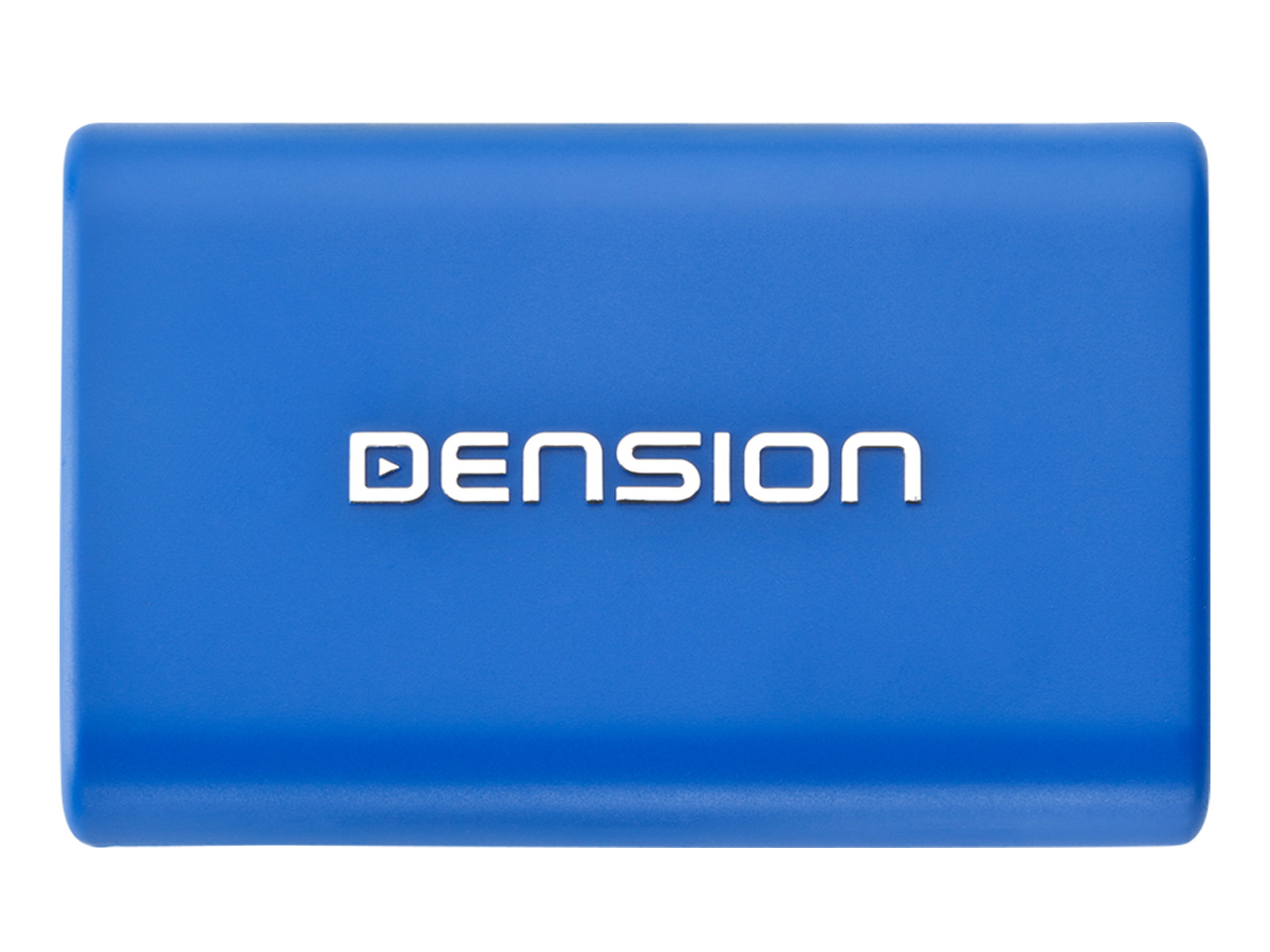
Gateway Lite BT - GBL3xxx
Overview
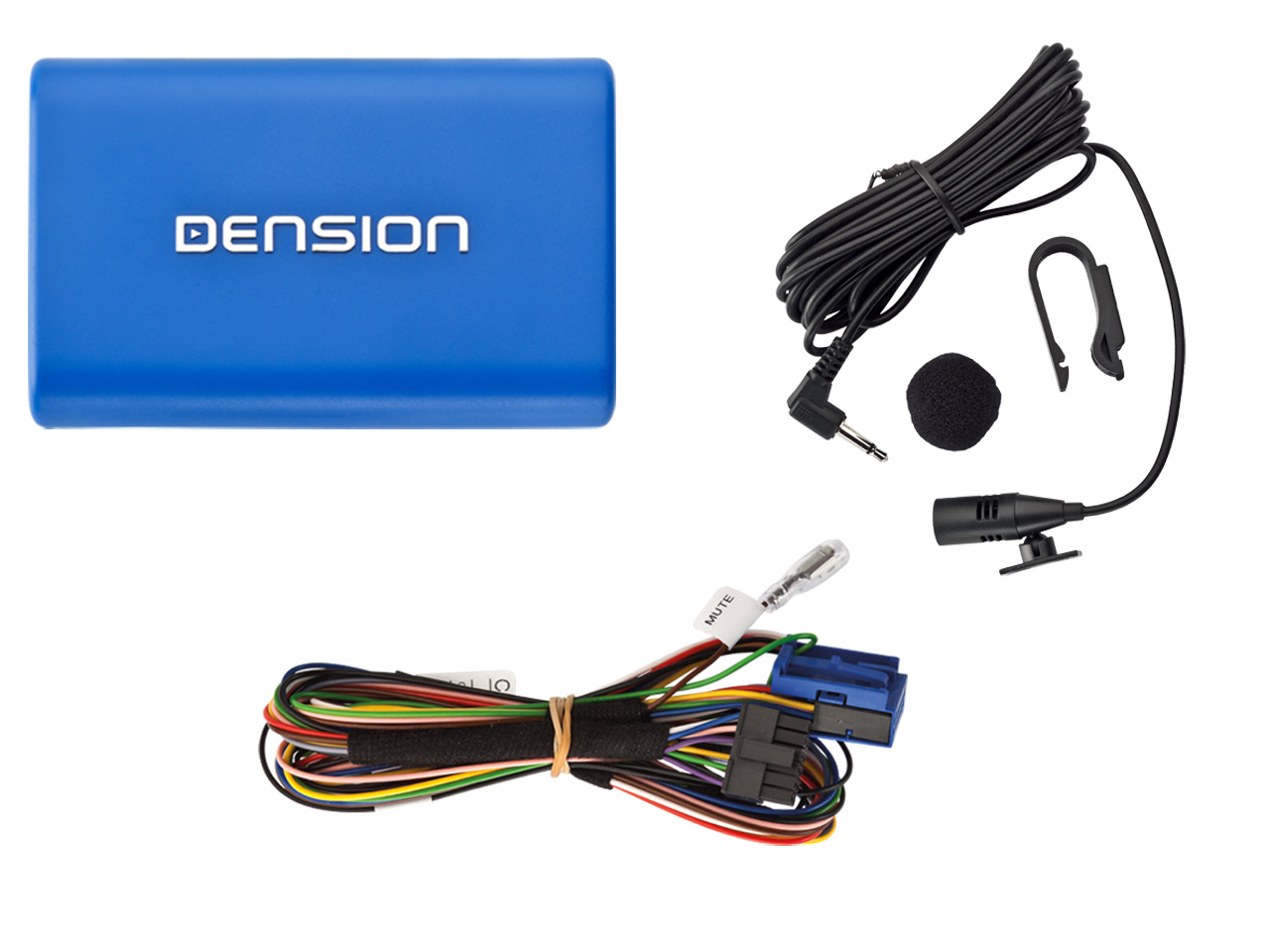
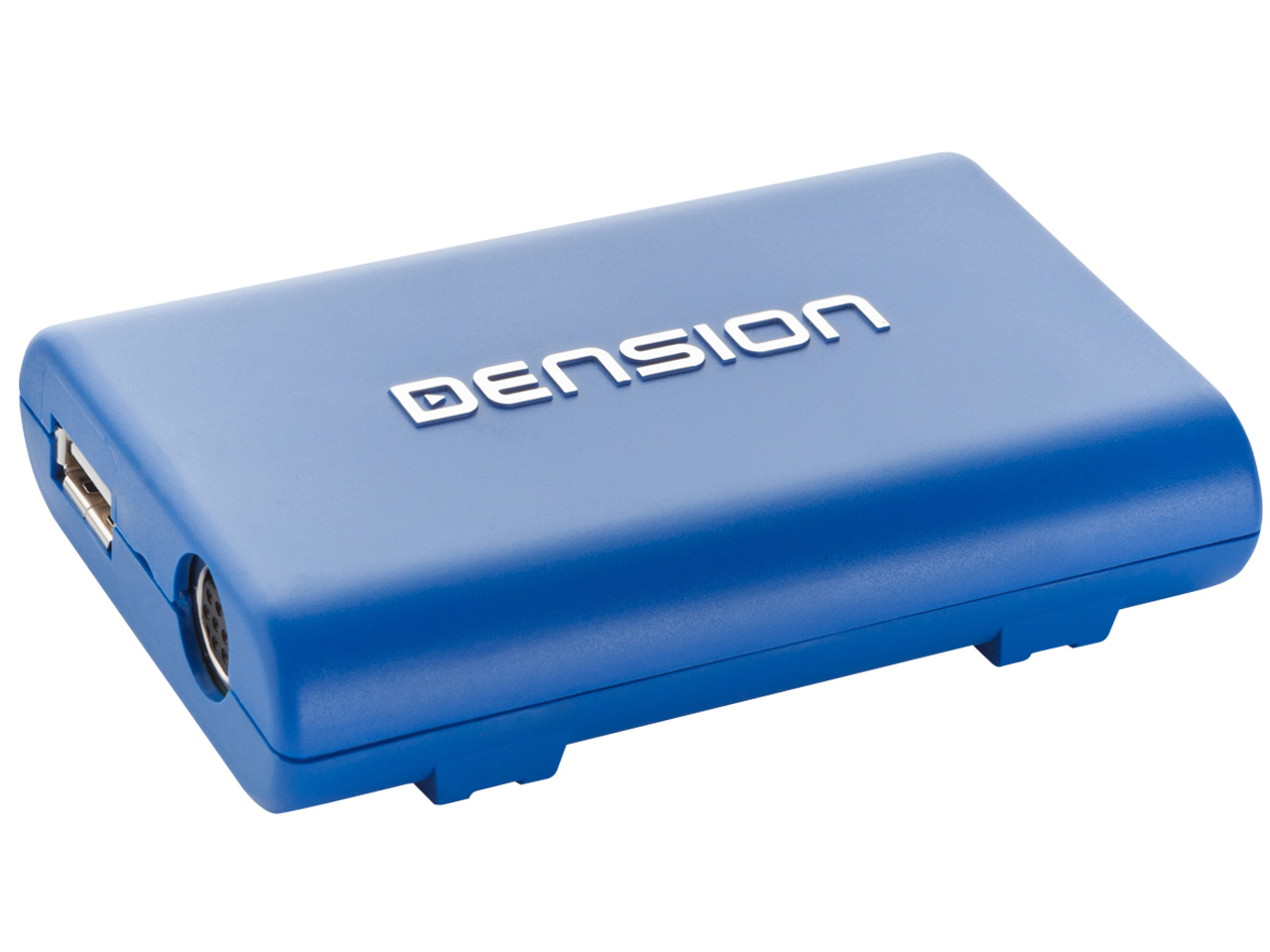
Gateway Lite BT enables music playback from a USB storage or iPod / iPhone through your vehicle’s entertainment system, using the buttons of the car stereo for basic control.
This device also offers Bluetooth connectivity for music streaming (via A2DP) and handsfree mobile call handling via the original buttons of the Head Unit (Radio).
Features:
- Simple, seamless iPod, iPhone, Smartphone and USB device car integration
- Bluetooth handsfree
- A2DP streaming
- 1A iPod and iPhone charging (no Power Booster needed for iPhone 4/4S users)
- 3.5mm auxiliary input jack (optional)
Supported USB devices
- USB: Flash Memory and Hard Disk Drive (UBS1.1 and higher)
- File System: FAT16 or FAT32
- Storage capacity: up to 250GB music content
- Music Format: MP3, WMA and WAV
Use your iPod/iPhone or Smart Phone with your car stereo! The Gateway Lite BT adapter brings you maximum control of your iPod, with minimum fuss. This interface opens up the car’s original audio system to allow music playback through your factory installed entertainment system’s speakers. Hide your iPod or USB-drive in the glove box and you can control its functions using the controls on your radio.
To find the right Gateway Lite BT for your car, click the compatibility tab above.
Package contents:
- Hardware
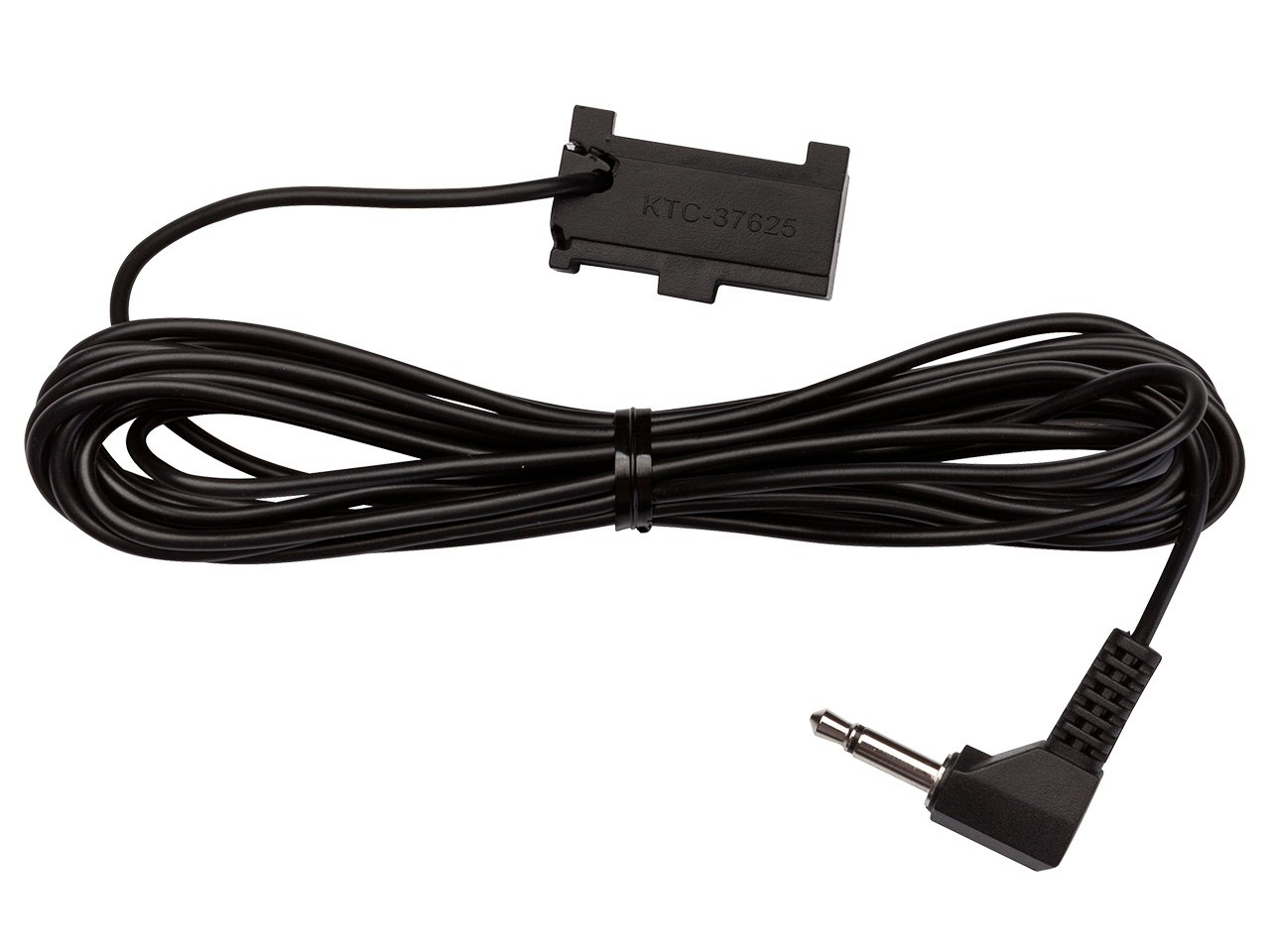
- Car side harness (includes power cable)
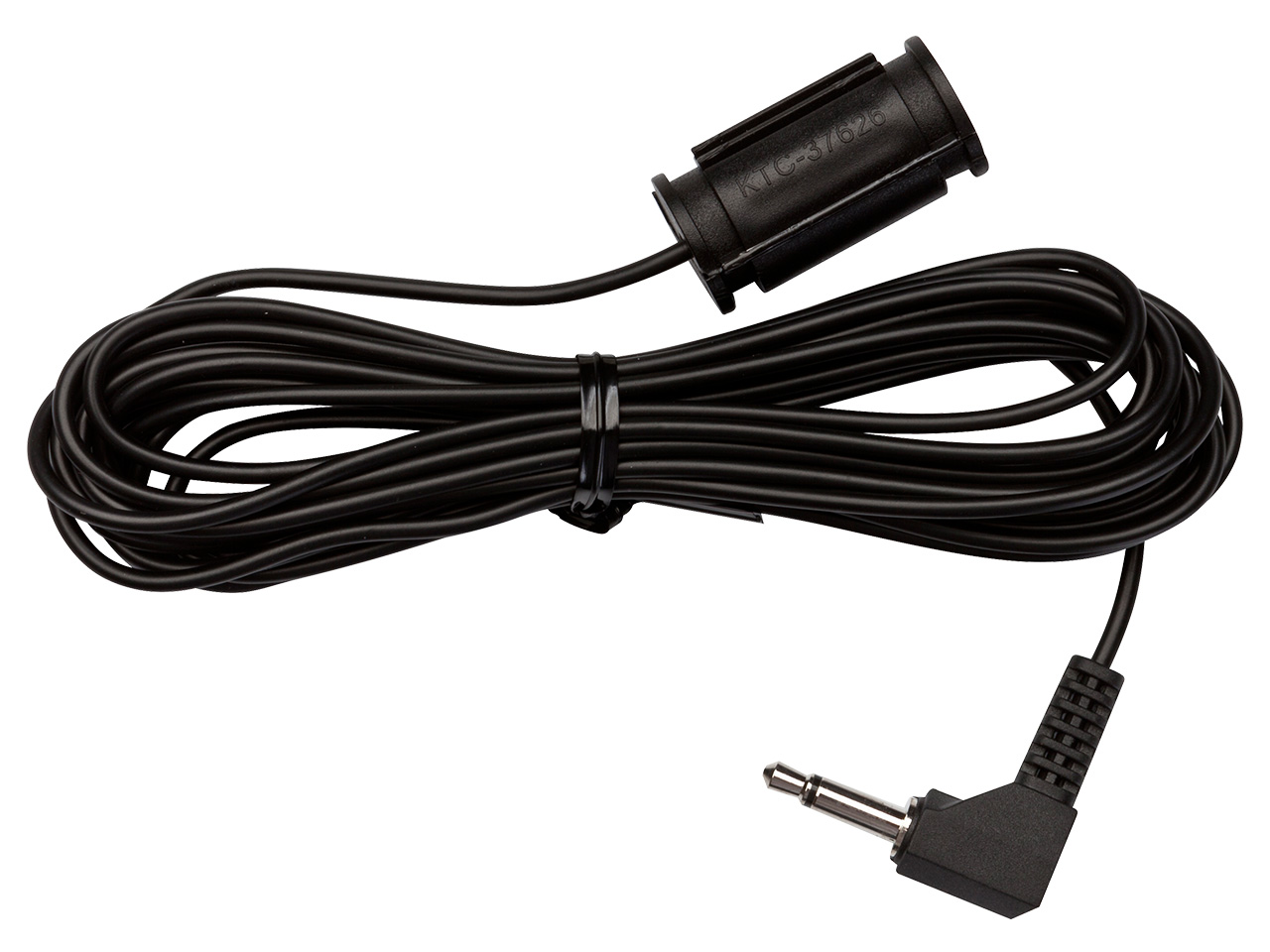
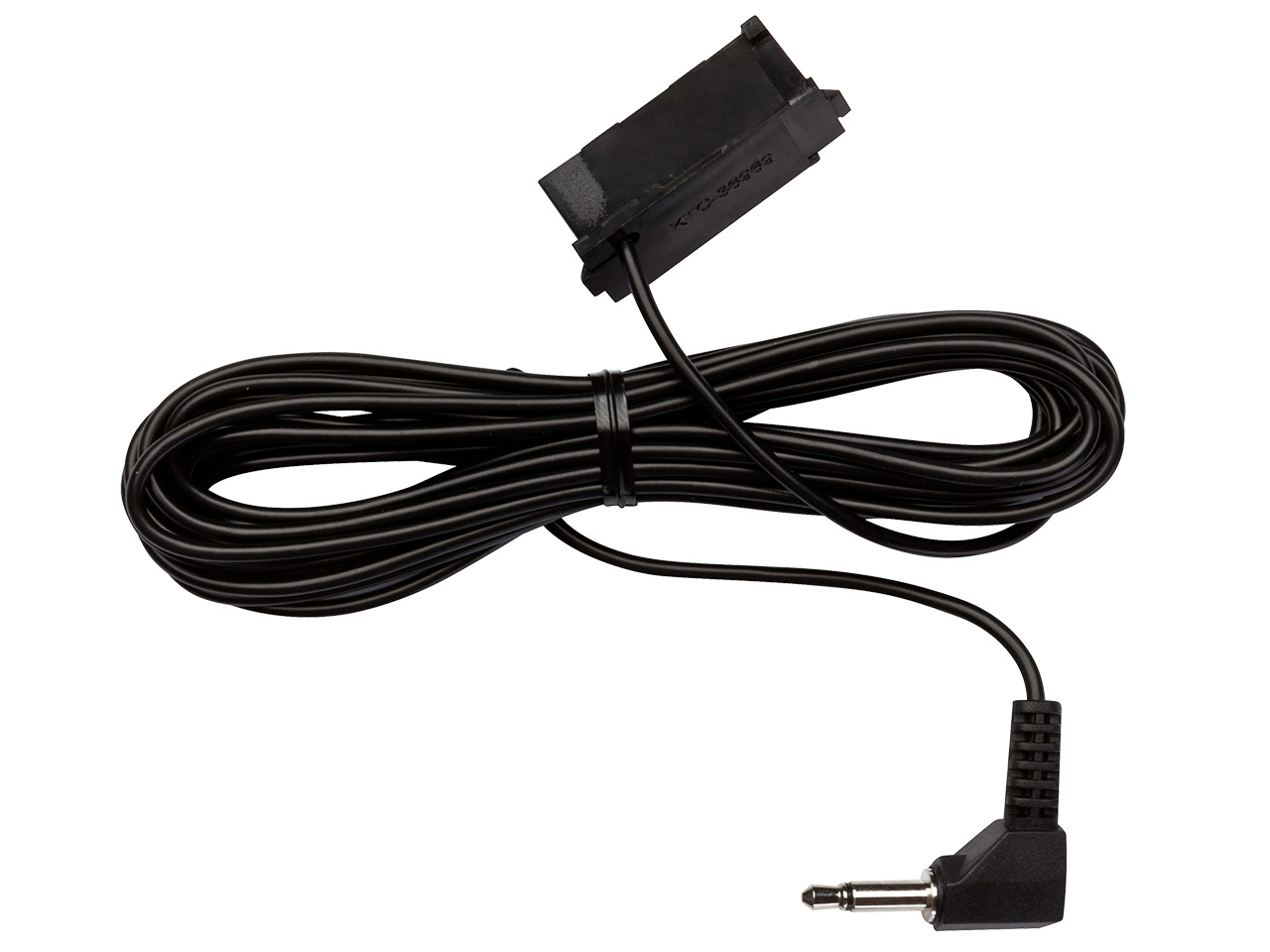
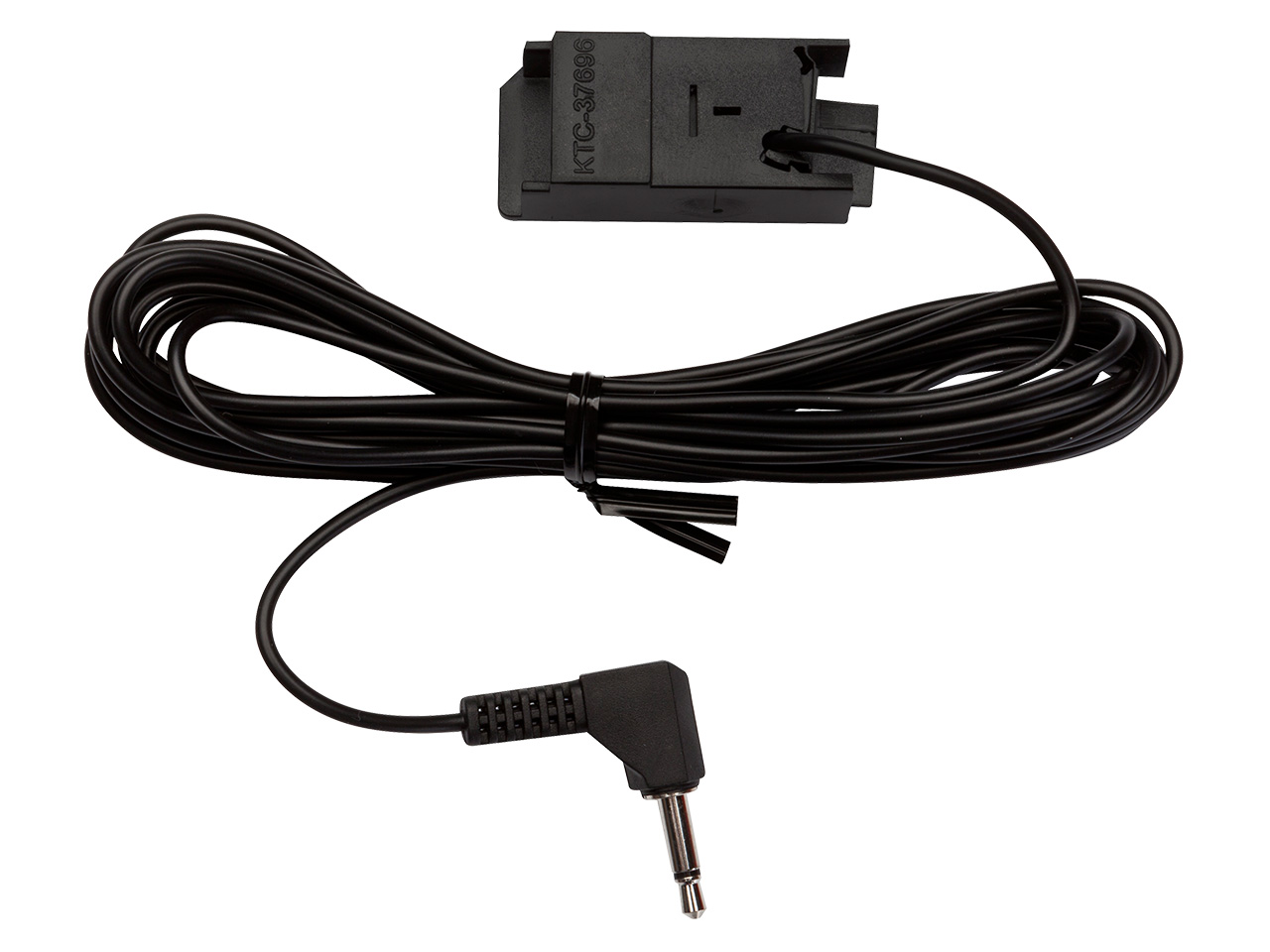
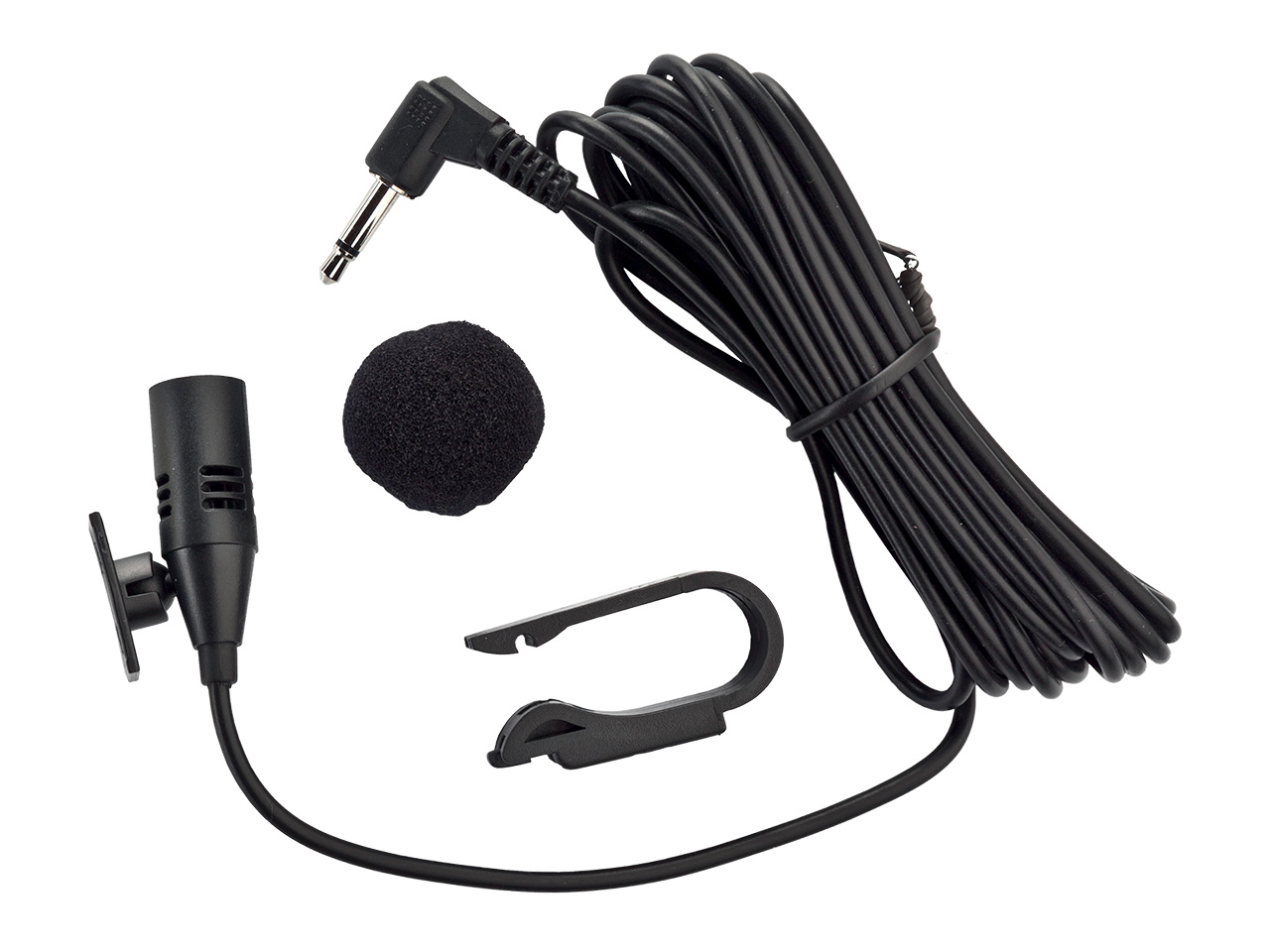
- Microphone
- Installation and user guide
Optional accessories:
- iPod/iPhone dock cable (IPO5DC9 or IPDC1GW)
- 3G cradle (IP44CR9)
- Bluetooth iPhone holder for Gateway (IPH1GW0)
How it works
The Gateway Lite BT interface works like an interpreter between your device (may it be an iPhone, iPod, USB-source, or a Smart Phone) and the car, converting instructions from the car’s controls so that they work as commands for your music source. When connected into the car, Gateway Lite BT emulates a CD changer. Of course, every Gateway Lite BT comes with a comprehensive user manual, but in most cases, you select the CD changer function, then CD6, and using the FFW/REW key and/or steering wheel controls you will navigate around your music.
If your car is fitted with a CD changer, the Dension Gateway will take its place.
To download a user manual for your vehicle, click here.
Installation
Seamless car Integration
Car information and entertainment systems can be complex networks, so Dension always recommends that you have your installation carried out by a qualified installer. To find a selection of suppliers and installers in your country/area, please click here.
The installation will vary slightly according to the car in question, but in each case, you would want have either a cradle, or a dock cable to connect your iPod to. Your installer will ask and advise as to the best place to situate this in your vehicle. The Gateway itself is less than the size of a CD case and will be installed securely out of sight in the glove box since the car side harness is long enough to enable such installation. Dension products are all designed so that there is no need to cut cables.
Compatibility
Supported Apple devices
- iPhone, iPhone 4S, 4, 3GS and 3G (1A charging)
- iPod (4thgeneration)
- iPod nano (1st, 2nd, 3rd, 4th, 5thand 6th generation)
- iPod mini
- iPod Photo 4G
- iPod Video 5G
- iPod Classic
- iPod Touch (1st, 2nd, 3rd and 4th generation)
Supported Bluetooth devices
- a huge variety of Bluetooth handsets
- music playback through A2DP
- Android support (A2DP or 'Mass Storage')*
Supported Audio devices
- USB: Flash Memory and Hard Disk Drive (UBS1.1 and higher)
- File System: FAT16 or FAT32
- Storage capacity: up to 250GB music content
- Music Format: MP3, WMA and WAV
| Title | File | Note |
|---|---|---|
| Acura | ||
| Alfa Romeo | ||
| Aston Martin | ||
| Aston Martin | ||
| Audi | ||
| BMW | ||
| Citroёn | ||
| Fiat | ||
| Honda |
Including Honda Gold Wing motorcycle |
|
| Lancia | ||
| Lexus | ||
| Maserati | ||
| Mazda | ||
| Mazda | ||
| Mercedes | ||
| Mini | ||
| Opel | ||
| Peugeot | ||
| Porsche | ||
| Renault | ||
| Rolls Royce | ||
| Rolls Royce | ||
| Rover | ||
| Saab | ||
| Seat | ||
| Skoda | ||
| Smart | ||
| Suzuki | ||
| Toyota | ||
| Volkswagen | ||
| Volvo |
| Title | File | Note |
|---|---|---|
| All vehicle compatibility |
Compability list of all cars and motorcycles in one pdf |
Downloads
|
|
Contains compatibility details and step by step instructions on how to update. |
|
|
|
|
|
|
For further details please visit our Knowledge Base section |