


Gateway 500 Lite
Overview
Simple integration for iPod and USB on the non-text MOST™ and D2B systems
- Play your iPod, iPhone or USB music device through the car radio
- without changing the head unit
- Basic control from the radio controls
- Retain the original dashboard aesthetic
- Charge your iPod/iPhone while driving
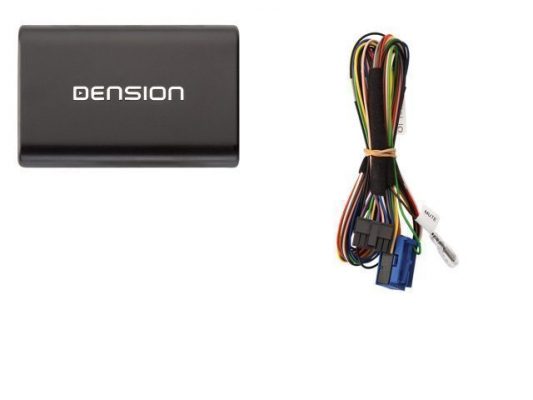
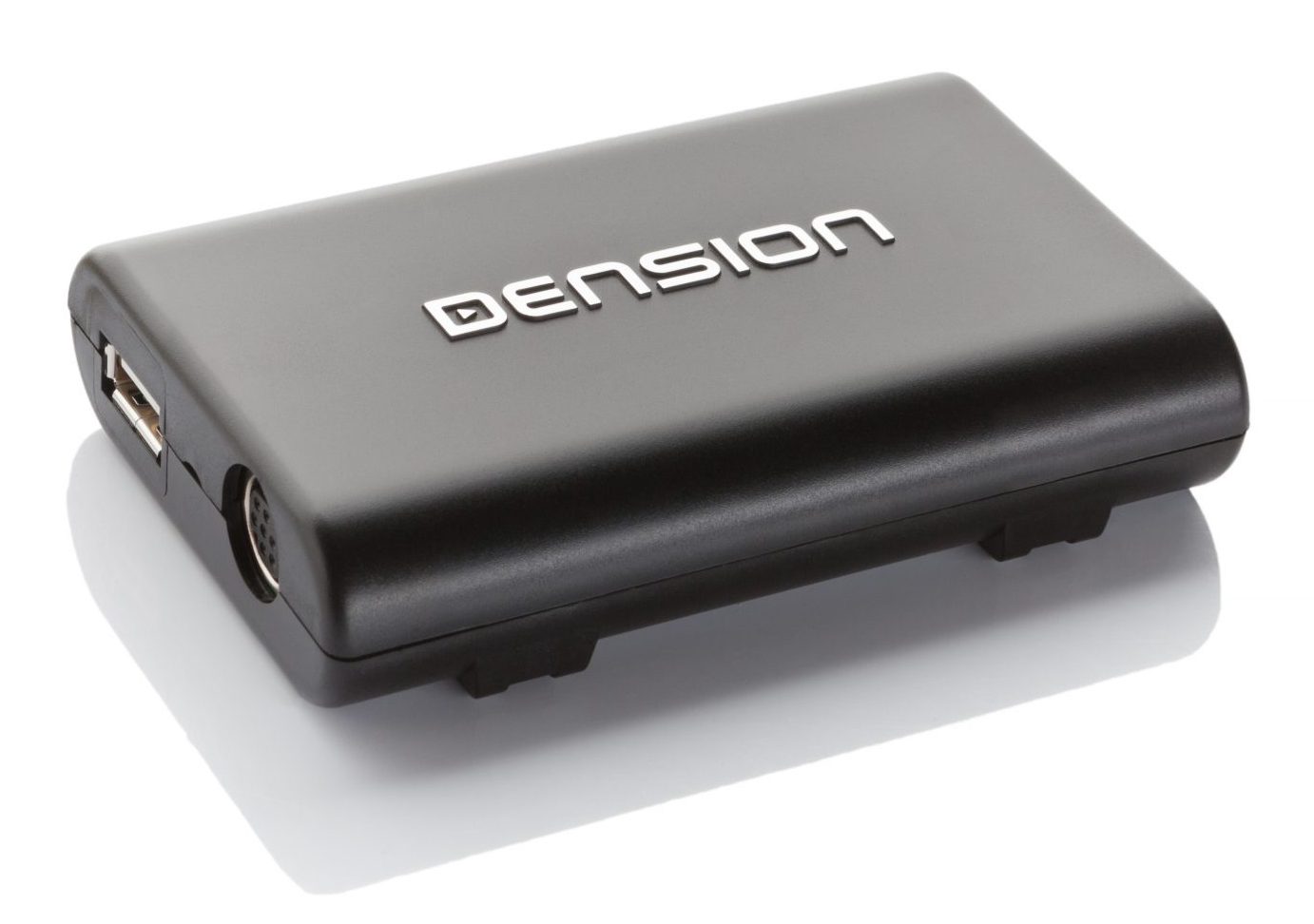
If your car does not have a text capability but is equipped with the MOST™ fiber optic system, Gateway 500 Lite is an easy to fit, easy to use option, which will play music from iPod or USB music devices, through the original audio system of your car. The product is designed to be as simple to use as possible, so the last device plugged into it is the one that will play.
Your iPod is controlled by the click wheel, however you can skip tracks using the 'Next Track' button on the radio, or steering wheel. In some cars you can allocate folders from your USB device to the CD changer selection keys on the radio, making navigation that bit easier. There are no extra boxes to stick on the dashboard, or unsightly cables trailing around the vehicle. The interior of your car looks exactly like it did the day you bought it, it just does a lot more.
Gateway 500 Lite is available in two versions: MOST™ or D2B compatible.
Package contents:
- Hardware
- Power harness
- Optical cable package
- USB extension cable
- Installation and user manual
To find the right Gateway 500 Lite for your car, click the compatibility tab above.
How it works
Control at your fingertips
When connected into the car, Gateway 500 Lite emulates a CD changer (usually, sometimes it’s an auxiliary input), and the radio accepts the music signal sent into it by the iPod or USB and plays it back through the audio system speakers. You can control your iPod from the clickwheel in the normal way, and once you’ve selected the music you want, you can skip a track you don’t like by using the 'Next Track' button on your radio or steering wheel. Of course, every Gateway 500 Lite comes with a comprehensive user manual, but if you need to get started quickly, select the CD changer function, plug your iPod into the dock cable or cradle and you will have music. To download a user manual for your vehicle, click here.
Installation
Seamless Integration
Car information and entertainment systems can be complex networks, so Dension always recommends that you have your installation carried out by a qualified installer. To find a selection of suppliers and installers in your country/area, please click here.
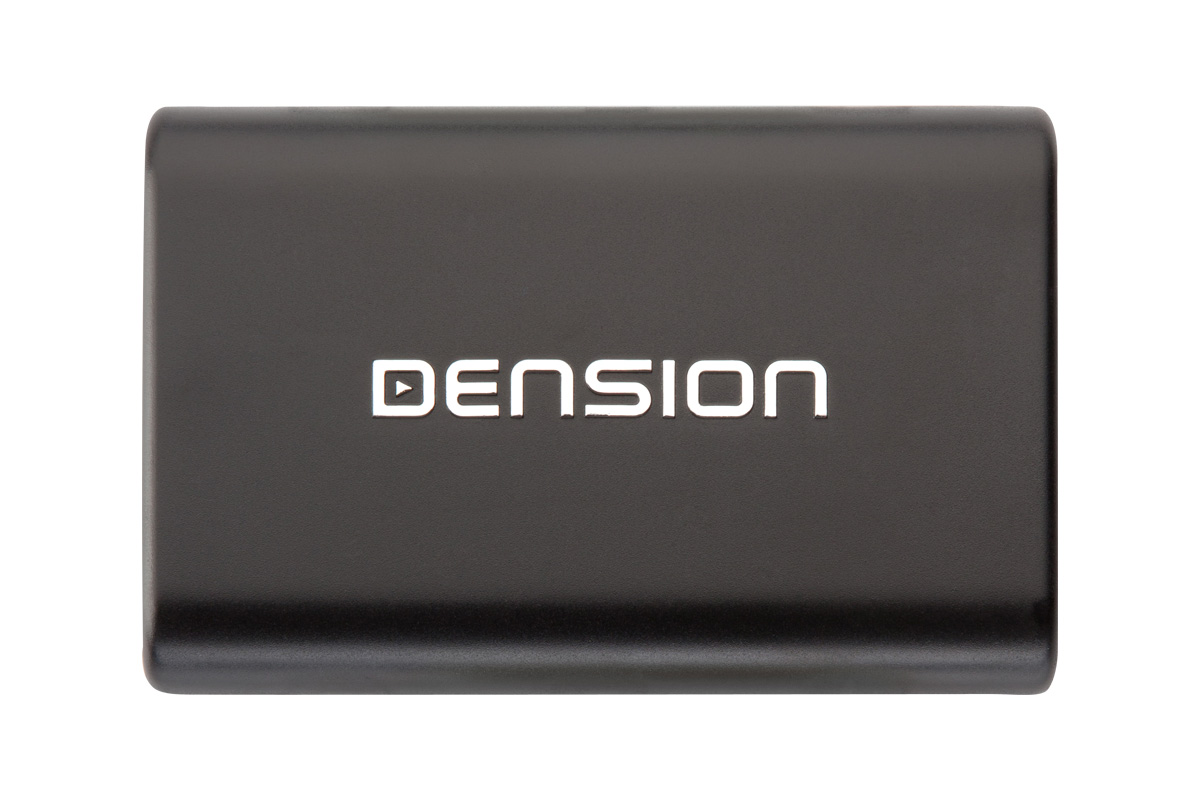
The installation will vary slightly in different cars, but in each case, you will have either a cradle, or a dock cable to connect your iPod to. Your installer will ask and advise as to the best place to situate this in your vehicle. The Gateway itself is less than the size of a CD case and will be installed securely out of sight behind the dash. Dension products are all designed so that there is no need to cut cables.
To download the installation manual, click here.
Compatibility
Dension is creating solutions to connnect your iPod, USB mobil storage and any MP3 players to your original car stereo. You can also control your music device from your steering wheel and car head unit, and see your iPod and USB menu on your cars display.
| Title | File | Note |
|---|---|---|
| All vehicle compatibility |
Compability list of all cars and motorcycles in one pdf |
| Title | File | Note |
|---|---|---|
| Acura | ||
| Alfa Romeo | ||
| Aston Martin | ||
| Aston Martin | ||
| Audi | ||
| BMW | ||
| Citroёn | ||
| Fiat | ||
| Honda |
Including Honda Gold Wing motorcycle |
|
| Lancia | ||
| Lexus | ||
| Maserati | ||
| Mazda | ||
| Mazda | ||
| Mercedes | ||
| Mini | ||
| Opel | ||
| Peugeot | ||
| Porsche | ||
| Renault | ||
| Rolls Royce | ||
| Rolls Royce | ||
| Rover | ||
| Saab | ||
| Seat | ||
| Skoda | ||
| Smart | ||
| Suzuki | ||
| Toyota | ||
| Volkswagen | ||
| Volvo |
Downloads
|
|
Car configuration file for BMW |
|
|
Car configuration file for Mercedes |
|
|
Car configuration file for Porsche |
|
|
Car configuration file for Saab |
|
|
For further details please read the following Knowledge base article |
|
|
|
|
|
Gateway Lite D2B install guide |
|
|
From 26.10.2009 |
|
|
|
|
|
Universal Gateway Lite D2B & MOST user guide released 26.10.2009 |
|
|
Gateway Lite user guide from 04.11.2009 |
|
|
Universal Gateway guide released 30.04.2009 |
|
|
Contains update file and the step by step instructions on how to update. Please note: This version doesn't work with MOST & D2B versions. |